 Time to Break
Speaks three languages
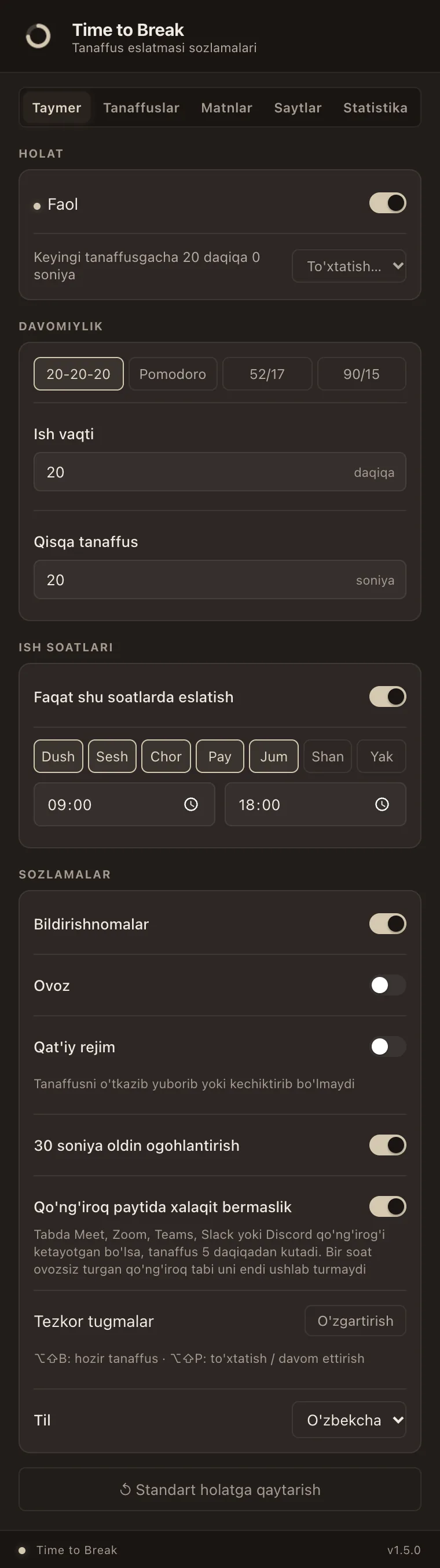
English, Russian and Uzbek. The popup, the break screen and the tips switch together.
A free break reminder for your browser. It pauses every open tab for a short eye break, then gets out of your way.
English, Russian and Uzbek. The popup, the break screen and the tips switch together.
The break appears on all of your tabs at once and ends on all of them together. Switching tabs does not dodge it.
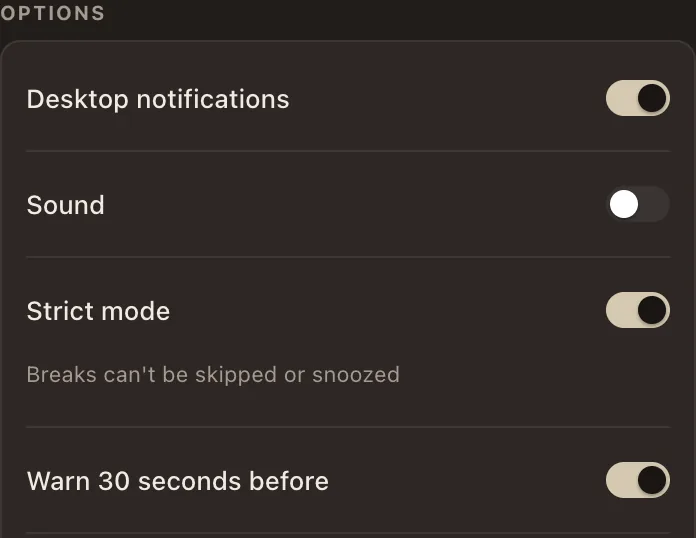
No skip, no snooze. The break ends when the clock does.
0
Settings and statistics stay in your browser. No account, no analytics.
Snooze for five minutes. It comes back as the same break, not a new one.
Every 20 minutes, look at something 20 feet away for 20 seconds. Eye doctors call it the 20-20-20 rule, their usual advice against eye strain. It is easy to know and hard to remember, so Time to Break remembers it for you.
A small badge on the toolbar counts the minutes down. Nothing else on your screen changes.
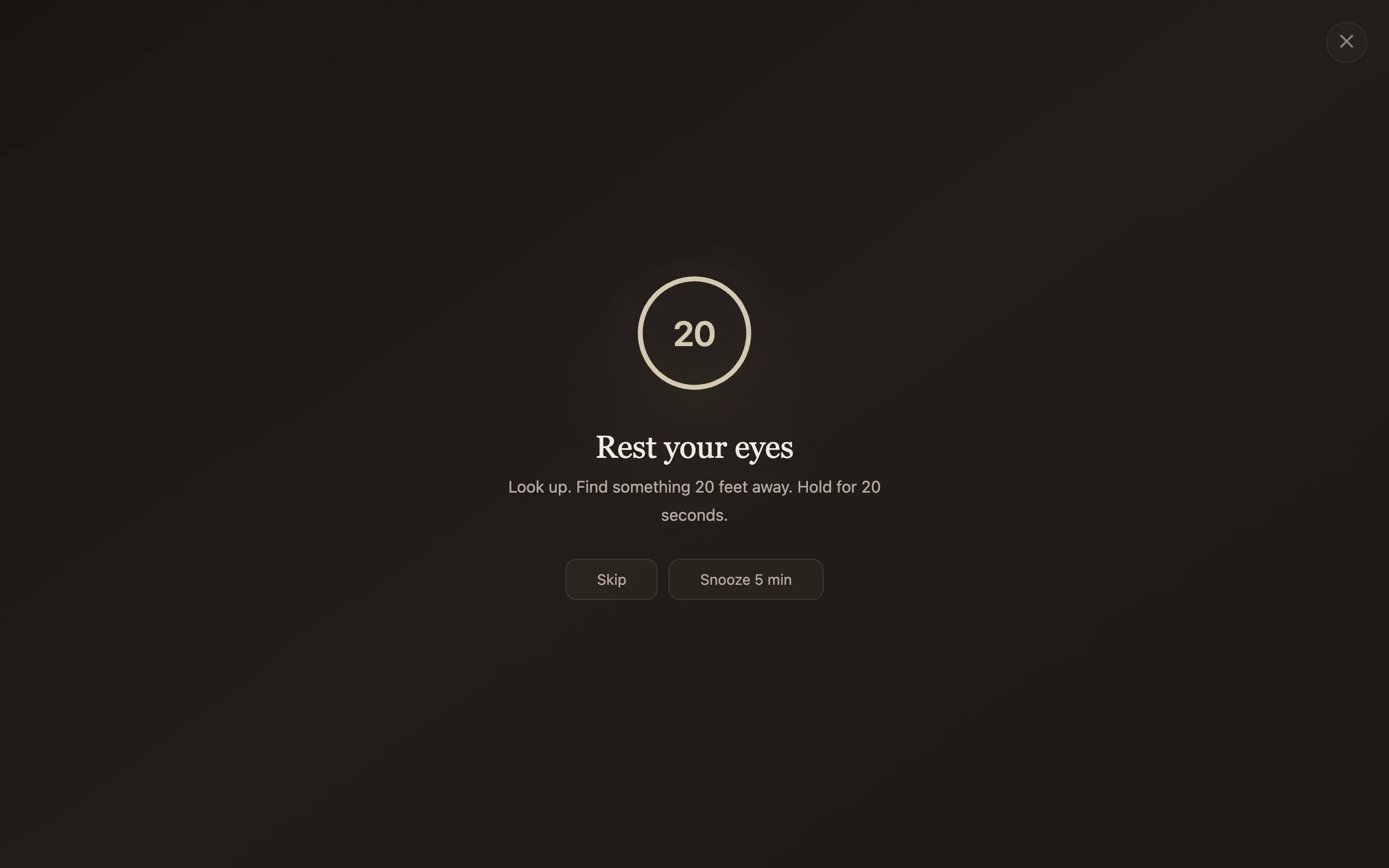
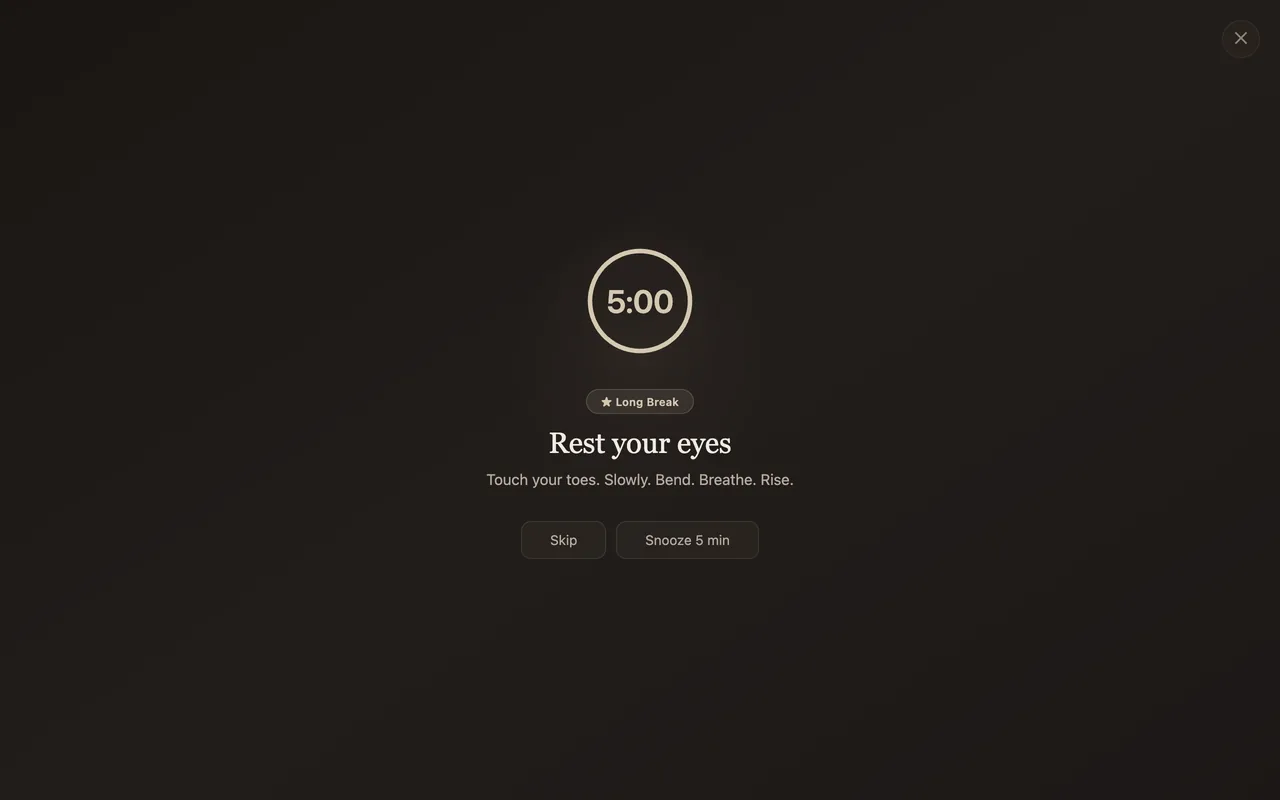
Every open tab dims. A ring counts down and a tip suggests what to do with your eyes. Skip or snooze if you must.
Five minutes, with tips for the rest of you: stand up, stretch, walk to the window.
Lock the screen or close the lid and the timer pauses. You come back to a fresh twenty minutes, not to a break.
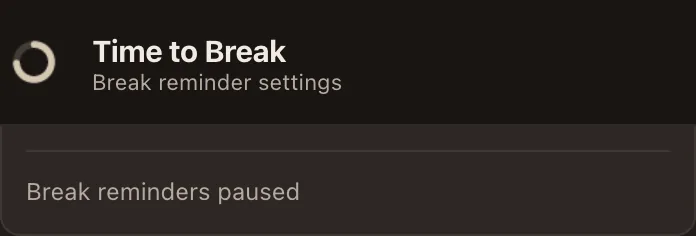
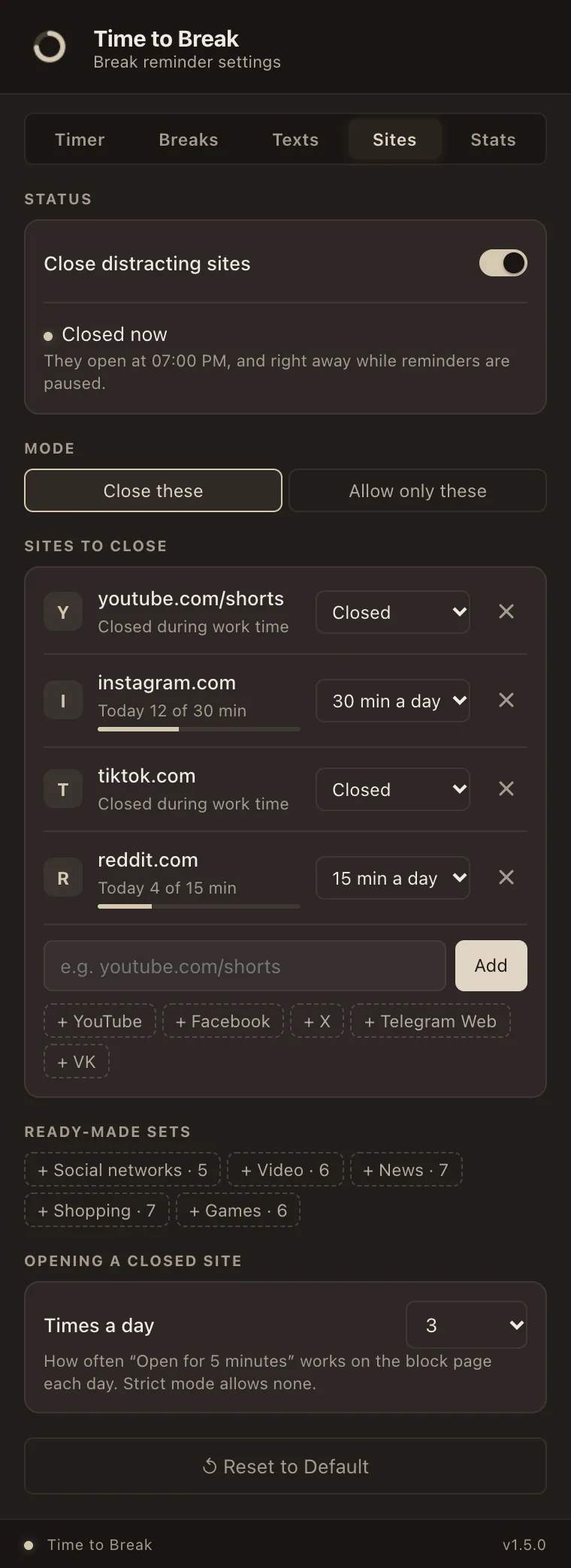
List the sites that pull you away. They close while reminders run and open again when working hours end or you pause. No second schedule, no account.
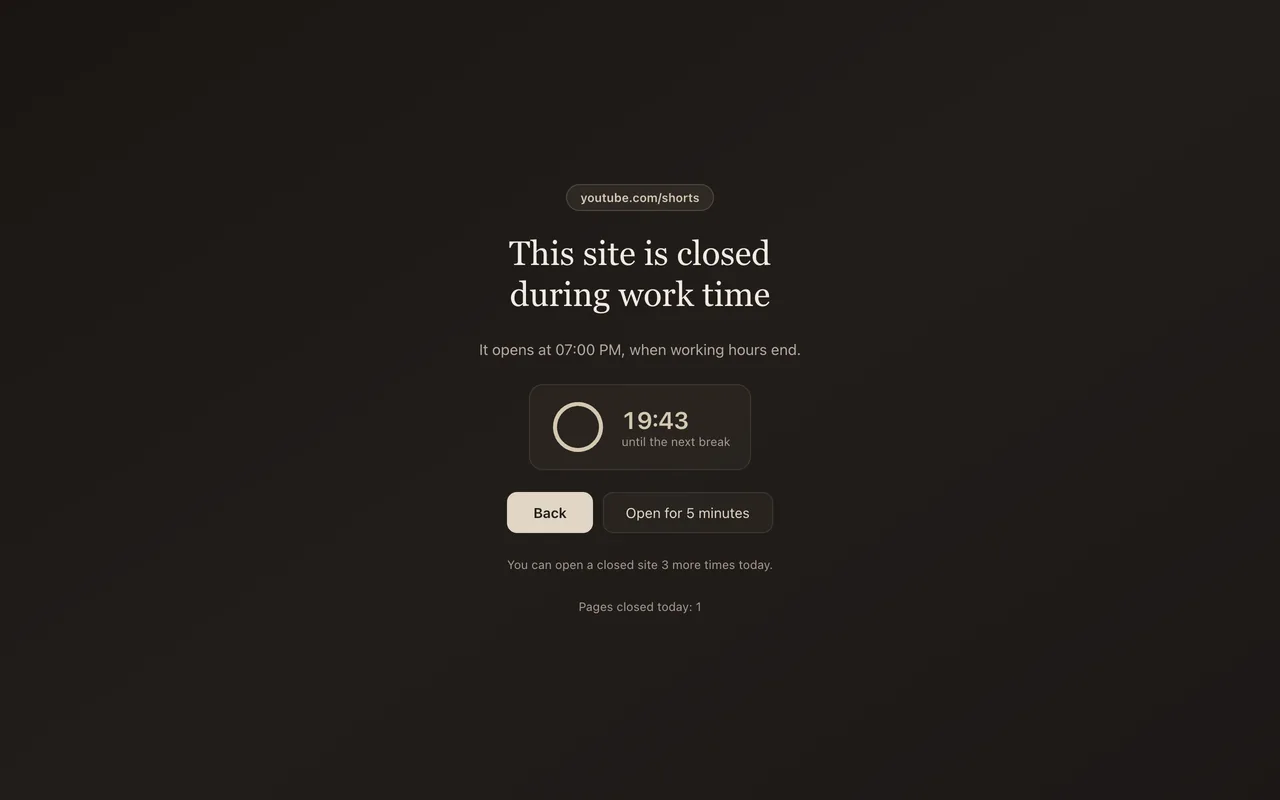
Close youtube.com/shorts and keep the rest of YouTube. Or turn it around and allow only the sites you need.
Thirty minutes of Instagram a day, counted only while it is in front of you.
Social networks, video, news, shopping and games in one tap, Uzbek and Russian sites included.
"Open for 5 minutes" after a short wait, a few times a day. Strict mode leaves no way around it.
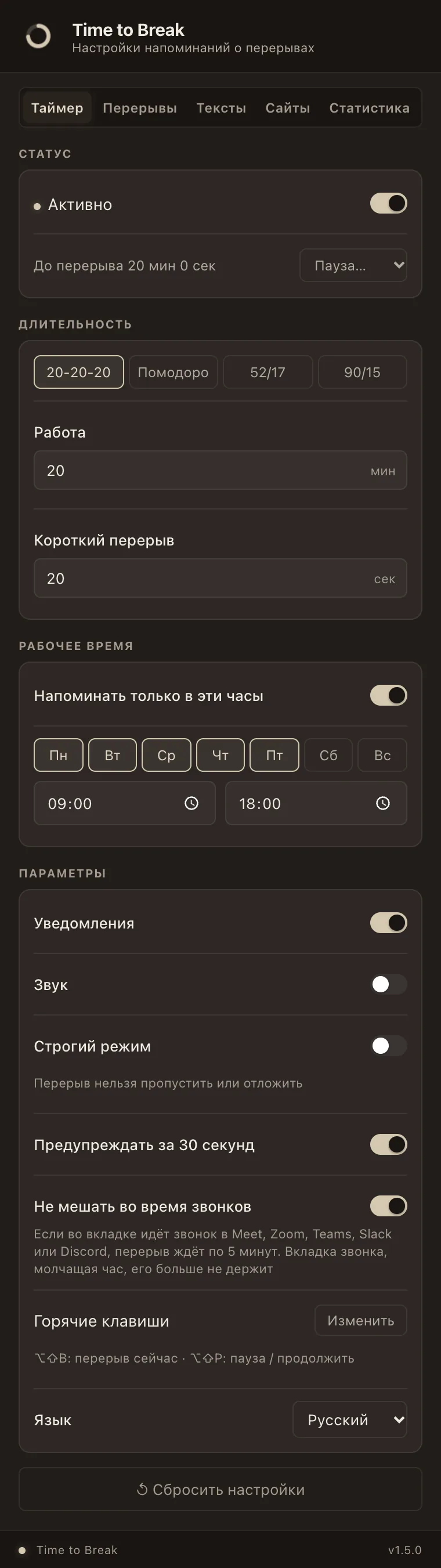
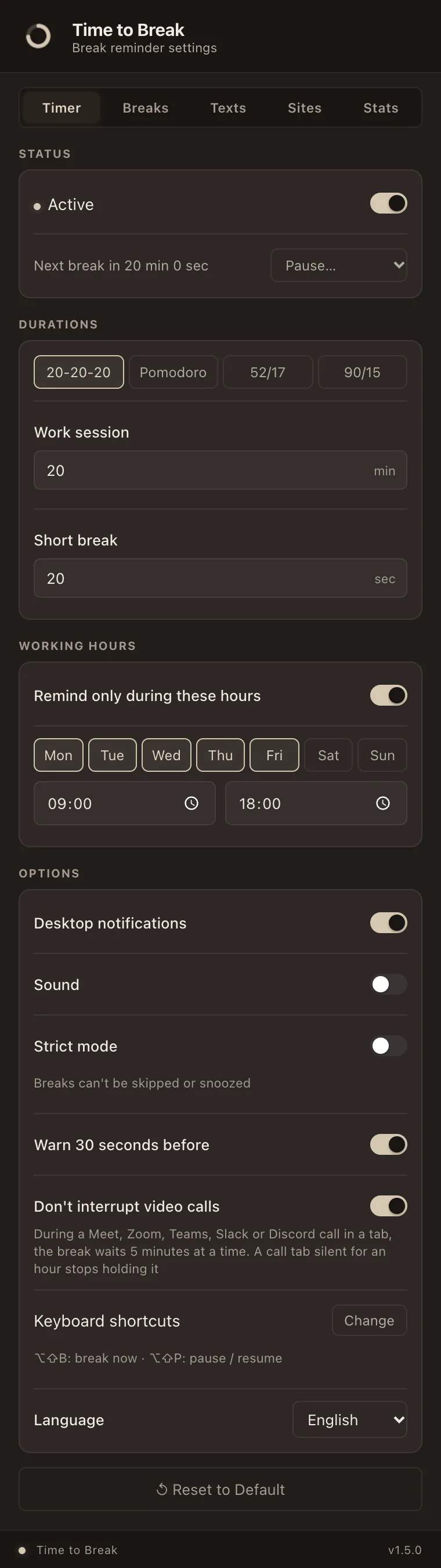
Work and break lengths, sound, notifications, strict mode, language.
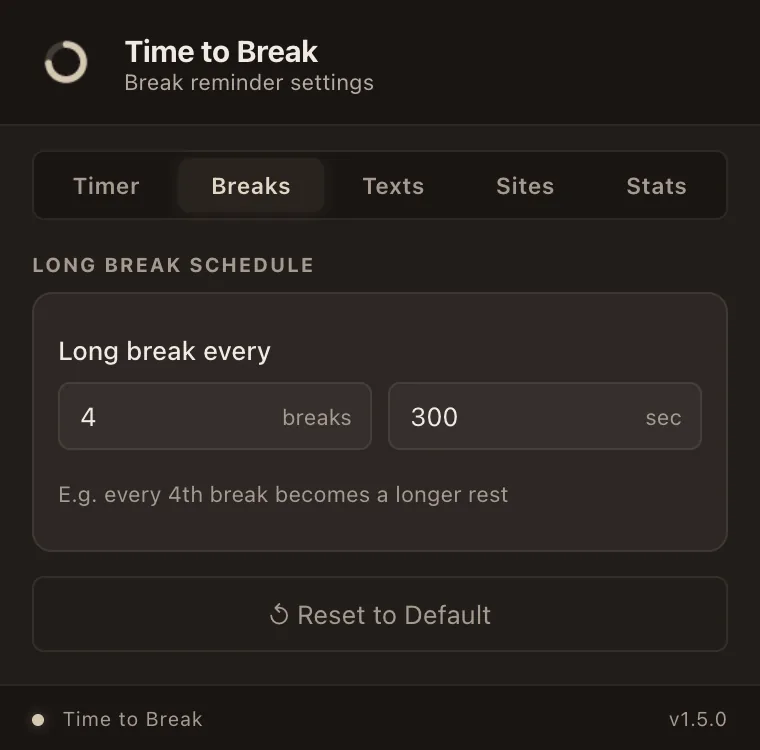
How often a long break comes, and how long it lasts.
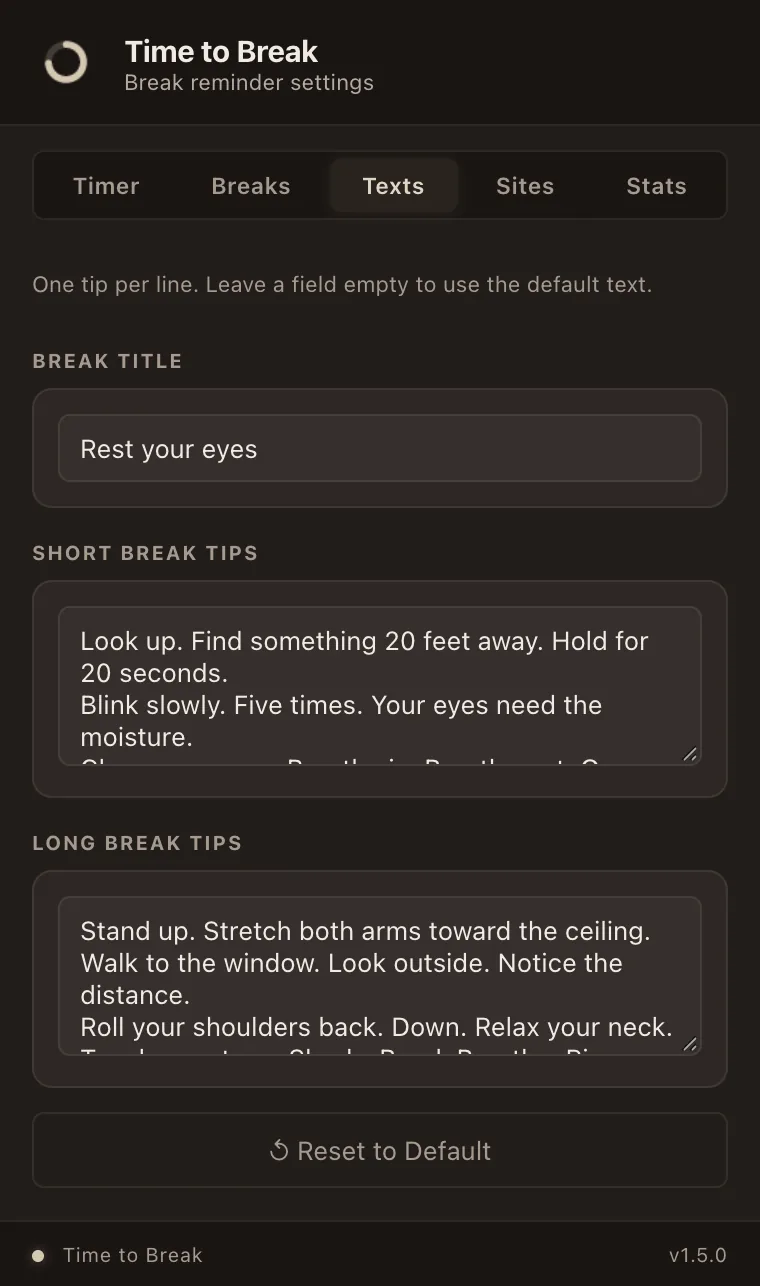
Your own title and tips, one per line. Leave them empty for the defaults.
Sites to close during work time, daily limits and ready-made sets.
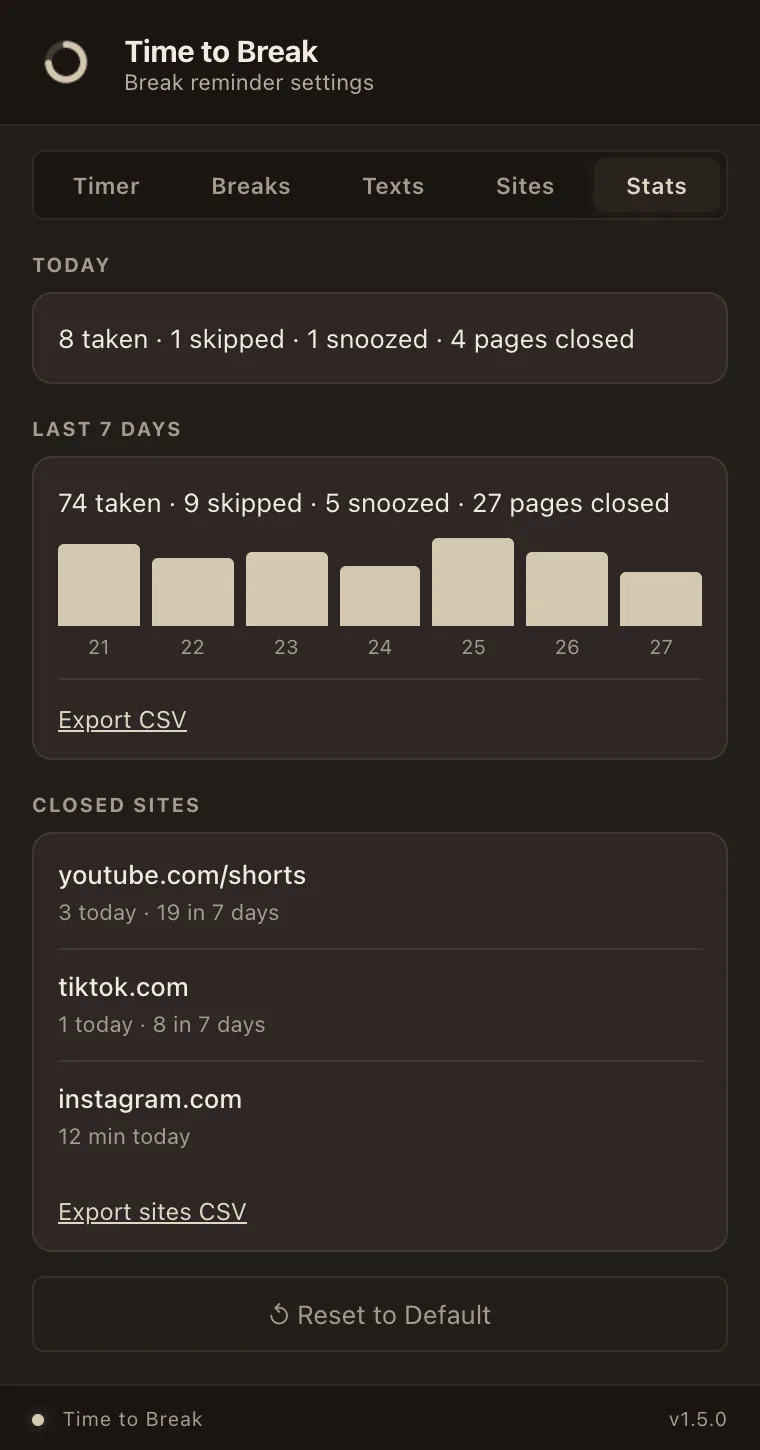
Breaks taken, skipped and snoozed, with a CSV export.
Every 20 minutes, look at something 20 feet (about 6 metres) away for 20 seconds. Looking into the distance lets the muscles that focus your eyes relax. The American Optometric Association recommends it to people who work at a screen.
More about the rule, with an online timerA common rule of thumb is a short eye break every 20 minutes and a longer one, away from the desk, every hour or two. Time to Break starts with 20 seconds every 20 minutes, and every fourth break lasts five minutes. All of it can be changed.
Add Time to Break from your browser's add-on store. It starts counting by itself: after 20 minutes of work, every open tab shows a break screen with a 20 second countdown. There is nothing to set up and no account.
It is free, with no account and no ads. The extension makes no network requests: your settings, statistics and site lists stay in your browser.
Yes. Skip ends the break, Snooze brings it back in five minutes. Strict mode removes both buttons.
Yes. In the Sites tab, list the sites to close, or the only ones to allow. They close while reminders run and open when working hours end or you pause. Each site can have a daily limit, and strict mode removes the "Open for 5 minutes" button.
Yes. The work time, the short and long break lengths, and how often the long break comes are all set in the popup.
Twenty seconds. Press Esc if you change your mind.